Inline Live Rendering
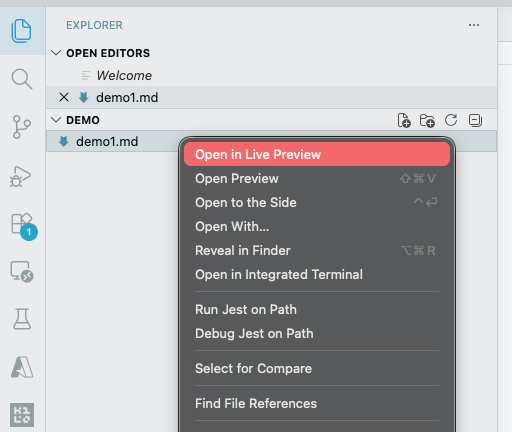
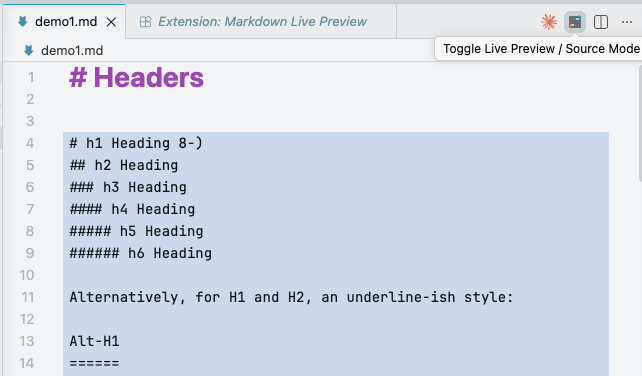
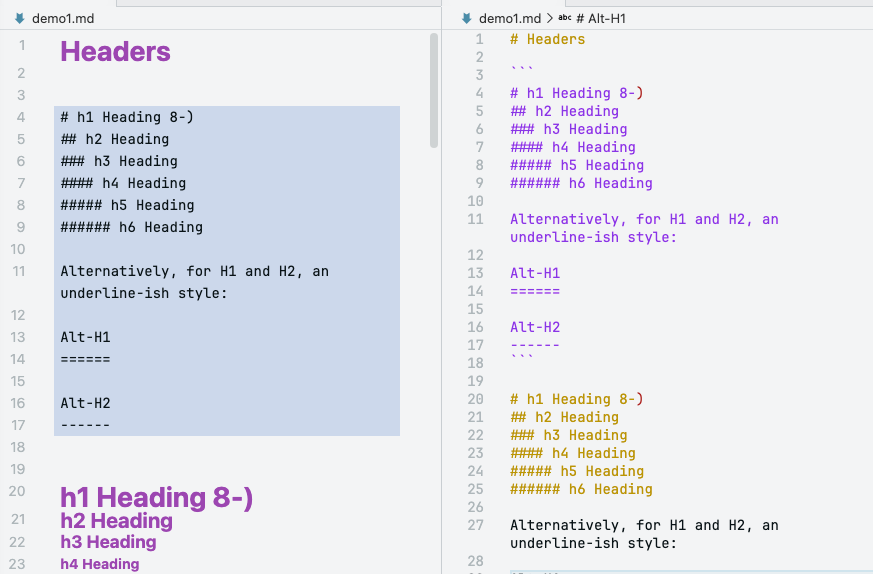
Read clean, rendered Markdown without switching to a separate preview pane.

A free Visual Studio Code extension for writers and developers who want one editor for drafting, reviewing, and publishing Markdown content.
Built by the Clean Software One product team. It keeps rendered readability for inactive lines and shows raw Markdown syntax only where you are actively editing.
Obsidian is a popular Markdown-based note-taking and knowledge-management app known for its smooth live preview writing experience.
Clean Markdown Live Preview brings that same idea to VS Code so you can edit technical docs, notes, and documentation in one familiar workspace.
Read clean, rendered Markdown without switching to a separate preview pane.
Active line shows raw syntax so writing and fixes stay accurate and fast.
Headings, links, wiki links, tables, code blocks, frontmatter, blockquotes, and checkboxes.
Open VS Code and install with:
ext install CleanSoftwareOne.md-live-preview